News, Product
Accepting mobile money payments on your website
Aggregator or direct integration, checkout flow, confirmations and refunds: the steps to get paid online.

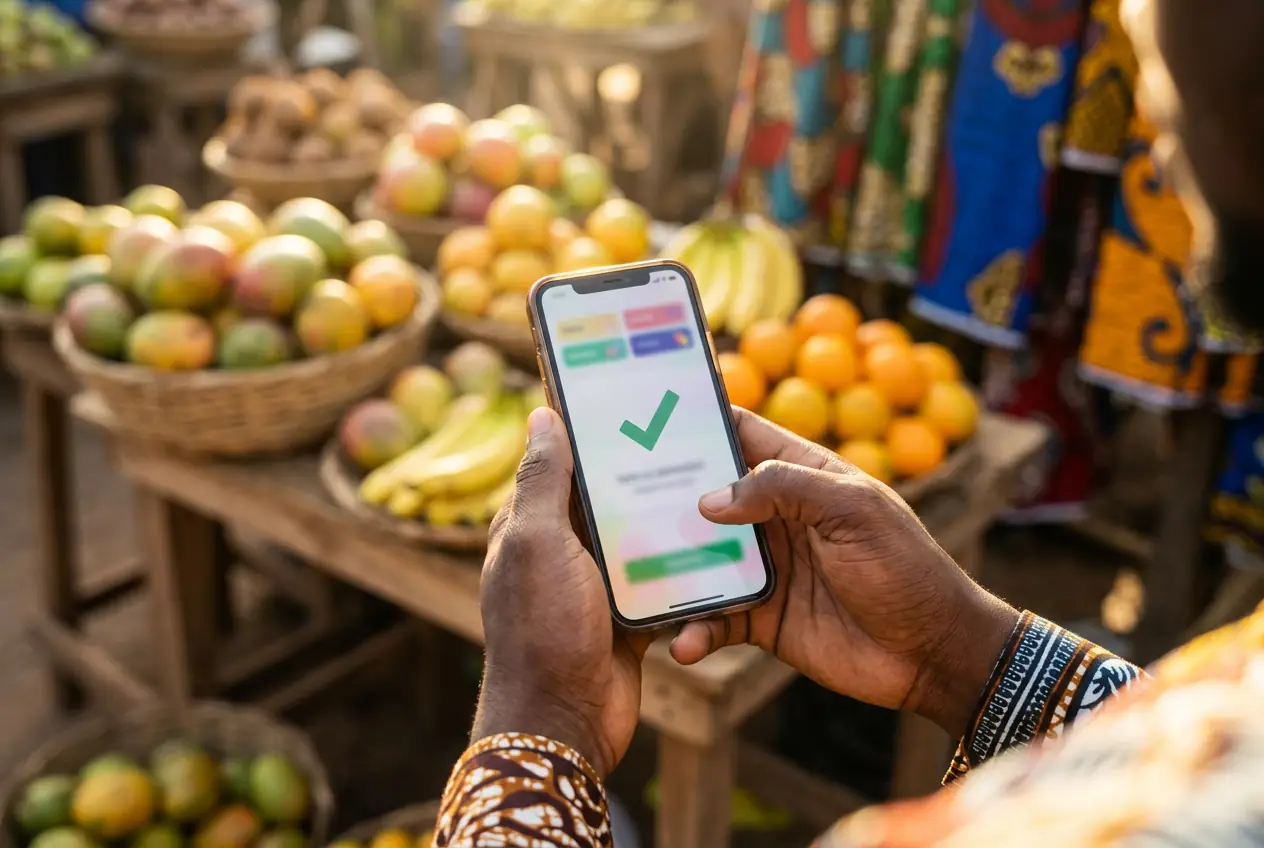
In Cameroon and across much of Africa, MTN Mobile Money and Orange Money are the most common ways to pay. Accepting them on your website or app opens the door to customers who do not have a bank card, and makes life easier for those who do. But a poorly designed online payment loses sales and creates disputes. Here is how to go about it, from the paperwork to the first real payment.
1. Choose how to integrate
There are two options.
- A payment aggregator brings MTN, Orange and often bank cards together behind a single integration. One contract, one dashboard, one payout.
- A direct contract with each operator takes longer to obtain and requires one integration per operator, but can be more advantageous for large volumes.
For most organisations, an aggregator is the fastest route. To choose one, compare:
- the fees per transaction and any fixed fees;
- how long it takes for funds to reach your account;
- the payment methods covered and the countries accepted;
- the quality of the technical documentation and the test environment;
- how responsive support is when a payment gets stuck;
- whether you can issue refunds from the dashboard.
2. Prepare your file
Operators and aggregators ask for your company documents: trade register, tax identification number, ID of the person in charge, an account to receive the funds. Prepare them early: approval can take several weeks.
Start the process alongside development, not afterwards. Nothing is more frustrating than a finished site waiting for its merchant account.
3. Design the checkout journey
- The customer chooses MTN or Orange and enters their number.
- They receive a confirmation request on their phone and approve it with their PIN, which is never entered on your site.
- Your site waits for the confirmation and announces it clearly, without allowing a double payment.
- A receipt appears and is sent by SMS, WhatsApp or email.
A few details make a big difference: show the exact amount and the merchant name before approval, pre-fill the number if the customer is logged in, explain in one sentence what will happen on their phone. While they wait, a simple message such as "Approve the payment on your phone" stops people from closing the page.
Also decide who bears the transaction fees. You can include them in your prices, or show them separately before approval. Either way, customers must know the exact amount that will be debited before they confirm: a difference discovered afterwards is enough to lose their trust.
The PIN is never typed on your site: it is entered on the phone, and nowhere else.
4. Confirm on the server
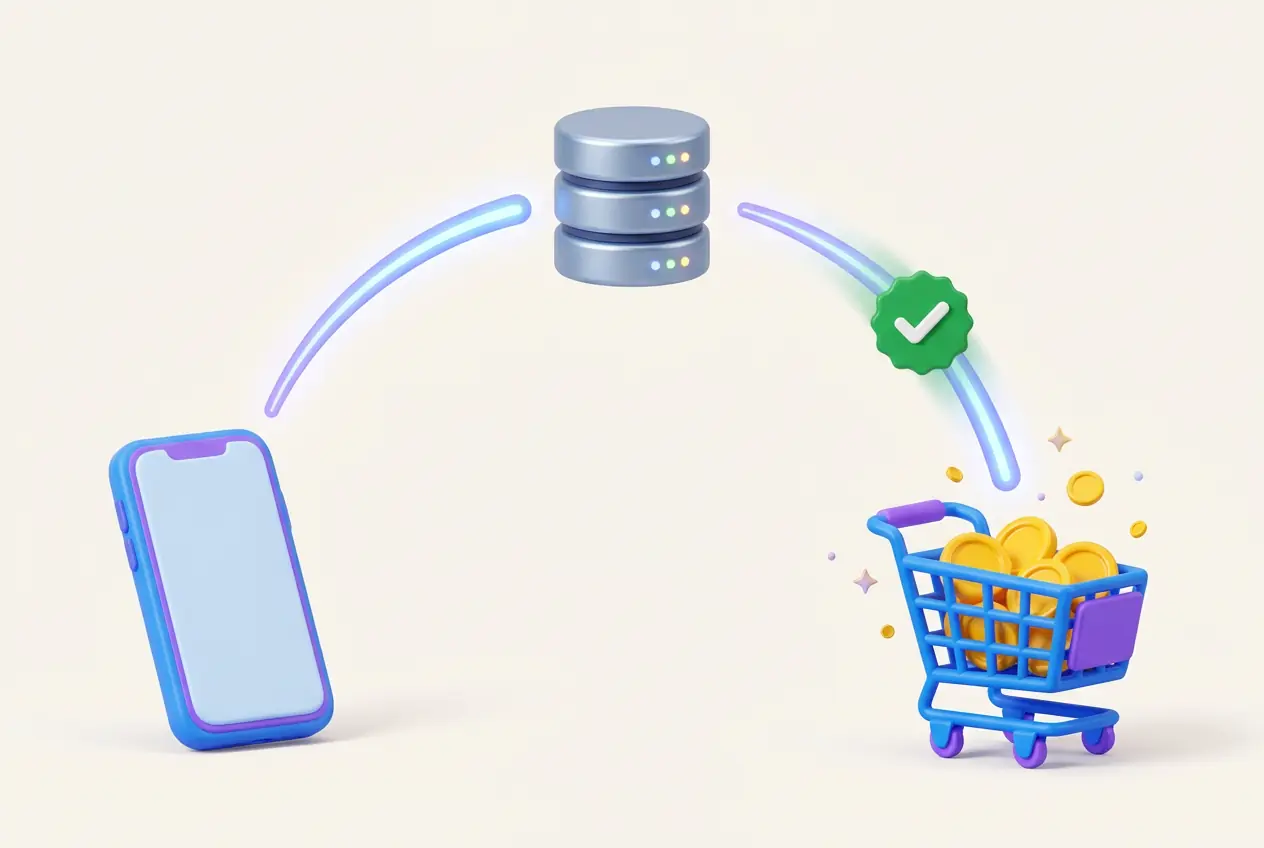
Never treat a payment as successful because the browser says so. The reliable confirmation reaches your server as a message from the aggregator called a webhook, which your system checks before fulfilling the order. This is what prevents the simplest kinds of fraud.
When that message arrives, your system should also:
- verify its signature, to be sure it really comes from the aggregator;
- check that the amount and reference match the order;
- ignore the same message received twice, without delivering twice;
- query the aggregator if no confirmation arrives after a set time.
5. Handle waiting and failures
Insufficient balance, an expired request, a dropped network: plan a clear message for each case and a button to try again. A pending payment must be retrievable later, without the customer paying twice.
- Insufficient balance: say so simply and suggest the other operator.
- Expired request: offer to resend the request in one click.
- Dropped network: keep the order and check its status when the customer comes back.
6. Plan for refunds
Cancellation, lost parcel, wrong amount: write down in advance how and how quickly you refund, and check that your aggregator supports refunds. A clear rule, published on your site, reassures customers even before their first purchase.
Within your team, decide who can trigger a refund, and keep a record of each one: amount, reason, date, the person who approved it.

7. Monitor and reconcile
Weekly at first, then monthly, compare the payments recorded on your site with the aggregator's payouts. A gap points to a payment that was not properly confirmed, a forgotten refund or misunderstood fees. A simple dashboard that separates successful, pending and failed payments also helps your team answer customers quickly.
8. Test before launch
Use your aggregator's test environment, then make real small payments with several phones and both operators. Test on a slow connection too, and have the journey tried by someone who has never seen it.
Finally, check that receipts, confirmation messages and the dashboard all show the same amounts and the same references.
We integrate mobile money payments into websites, apps and platforms: let's talk about your project.
Comments
Loading comments…
Written by the Otopcy team