News, Product
Preparing an app launch
Developer accounts, store listings, testing, first users: the checklist for the final weeks.


An app is not launched when the code is finished. It is launched when the right people find it, install it and come back to it. Between the last line of code and the first satisfied user, there is still paperwork, testing, a review by Apple and Google, and real work to announce it. Here is what we prepare with our clients during the final weeks, in order.
1. Developer accounts, early
Publishing on the App Store requires an Apple Developer account, and on Google Play a Google Play Console account, in your organisation's name. Approval can take time, especially for a company, because Apple and Google verify the organisation's identity. Apple notably requires a D-U-N-S number for organisations. Create these accounts at the very start of the project, and keep ownership of them: your partner can be invited as a team member without ever being the account holder.
For this, have your organisation's documents ready, a lasting professional email address rather than that of an employee who might leave, and a payment method for the registration fees.
2. Store listings
- A short name and an icon that is readable even at small sizes.
- Screenshots that show what you can do with the app, not just its menus.
- A description that starts with the benefit, in your users' languages.
- A privacy policy online, required by Apple and Google.
- A well-chosen category and the words your users would actually type to find you.
Write the description for someone discovering the app: what problem does it solve, how is it different, what do you need to use it? The first lines are the most read, so put the essentials there.
Also prepare screenshots in the screen sizes each store requires, and a short preview video if you have the means.
3. Testing with real people
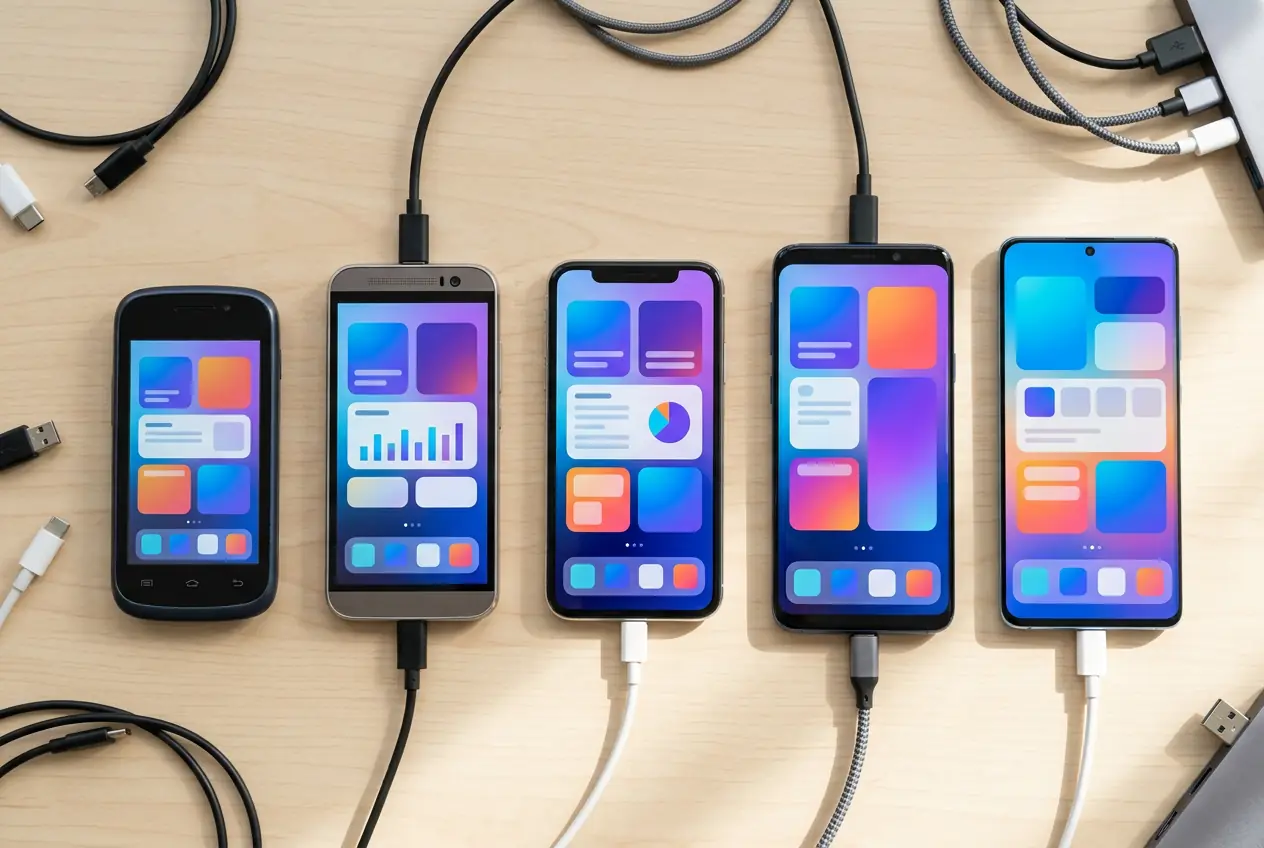
Before the public launch, have a small group test the app: TestFlight on iPhone, internal or closed testing on Google Play. Watch where they hesitate. Test on entry-level phones and on a slow connection, not just on the latest model at the office.
Give testers precise tasks rather than a vague instruction: "Create an account and place an order" reveals more problems than "Tell us what you think". Note every hesitation, then fix first whatever blocks the main journey.
Users do not read instructions. They try, and they give up if it does not work.
4. Store review
Apple and Google check every app before publication. The most common rejections: a missing demo account for reviewers, features that do not work, no privacy policy, or permissions requested without explanation. Allow a few days of margin, and prepare:
- a demo account with sample data, and its login details in the notes for the reviewer;
- a clear explanation for each permission requested: camera, location, notifications;
- a privacy policy that is easy to find and consistent with what the app actually does;
- a way to delete an account from within the app, as soon as users can create one.
If the app is rejected, read the reason carefully: it is usually precise, and a fix followed by a new submission is often enough.
5. Measure from day one
Install tools to track crashes and key journeys, while respecting privacy and with users' consent where the law requires it. You will quickly see what blocks people and what they like. Focus on a few indicators:
- crashes and errors, by phone model;
- the share of people who complete sign-up;
- the steps where they abandon the main journey;
- the number of users who come back after a week.
Build a simple habit: look at these indicators every week during the first month, then every month.
6. Plan support
Where do users ask their questions? Who answers, and how quickly? A simple help page and a responsive contact channel prevent bad ratings.
Prepare answers in advance to the questions you can predict: forgotten password, payment not received, account to delete. And decide who replies to store reviews: a polite, prompt reply to a negative review shows future users that someone is looking after the app.
7. Announce the launch
Prepare the messages for your social networks, your website and your partners, with direct links to the stores. Start with the people who are already waiting for the solution: they will become your first ambassadors.
- Before: let your team, your partners and the people waiting for the app know.
- On the day: post on your social networks, your website and WhatsApp, with links to the stores.
- In the following weeks: share the first feedback and the improvements made.

8. The day after
Read the reviews, fix the first defects quickly and release an update in the following weeks. An app that evolves reassures its users.
Then keep a steady rhythm. iOS and Android change every year, and an app that is never updated eventually stops working well, or even disappears from the stores.
We support apps from mock-up to the stores, and beyond: mobile apps.
Comments
Loading comments…
Written by the Otopcy team